New Year resolution illustrations for January campaigns
Ideas for January emails, onboarding and social posts about fresh starts, fitness, new hobbies and side projects, with illustrations and themes to use.
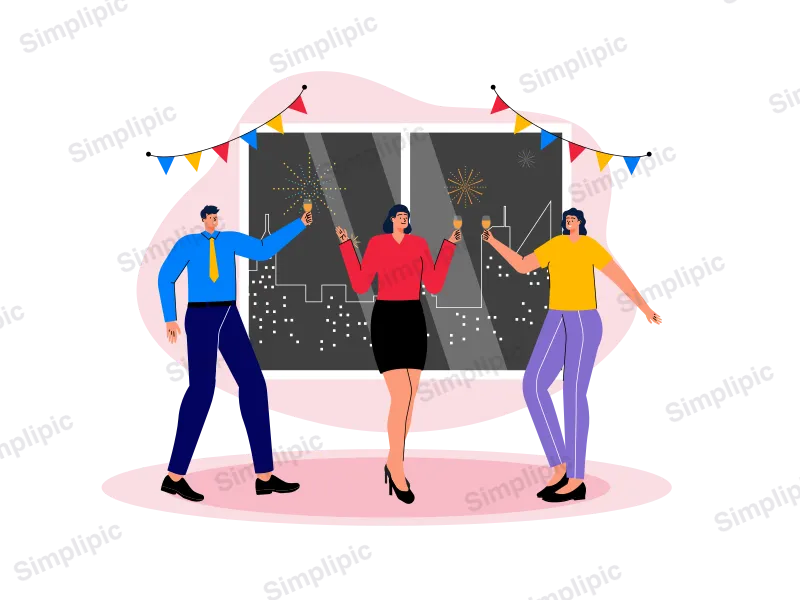
January is the month of fresh starts. People set goals, join a gym, pick up a hobby or finally start that side project, and they are open to products that help. Fresh, hopeful illustrations make your January emails, onboarding screens and posts feel like part of that moment. Here are ideas you can plan now, while December is still busy.
Why plan January visuals in November?
December fills up fast with sales and holiday messages. If your January campaign is designed before the holidays, it can go live on the first working day of the year without a rush. A good rule is to have visuals ready four to six weeks ahead, which for New Year means mid to late November.
It also helps to plan the switch. Christmas scenes come down in the first days of January; New Year and winter scenes can stay up for most of the month.
The countdown and the first of January
The turn of the year is a natural moment for a "Happy New Year" email, a thank-you to customers, or a short "what's coming this year" post. Fireworks and parties say it in one glance.
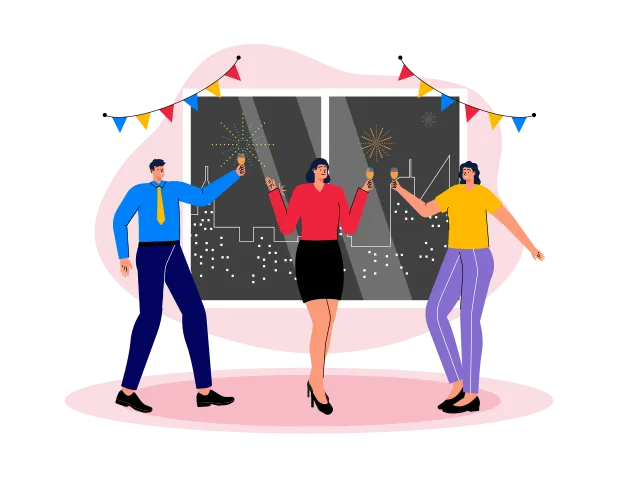
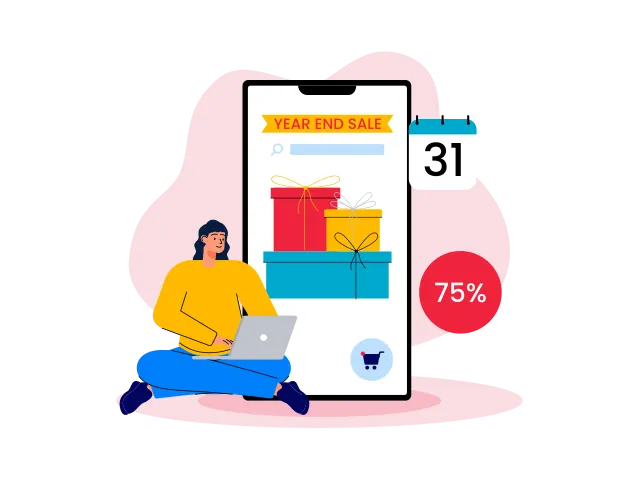
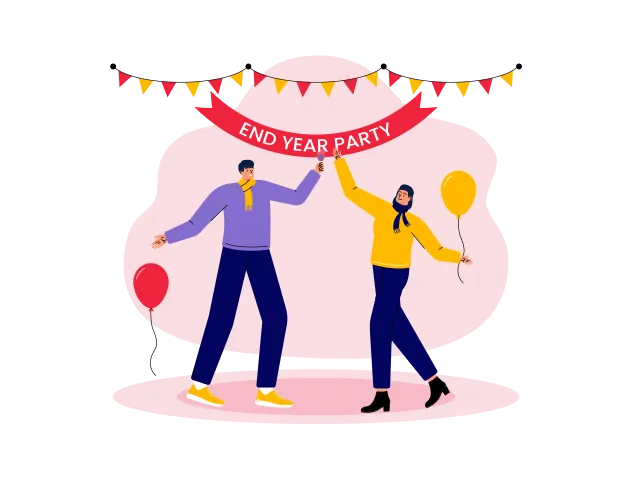
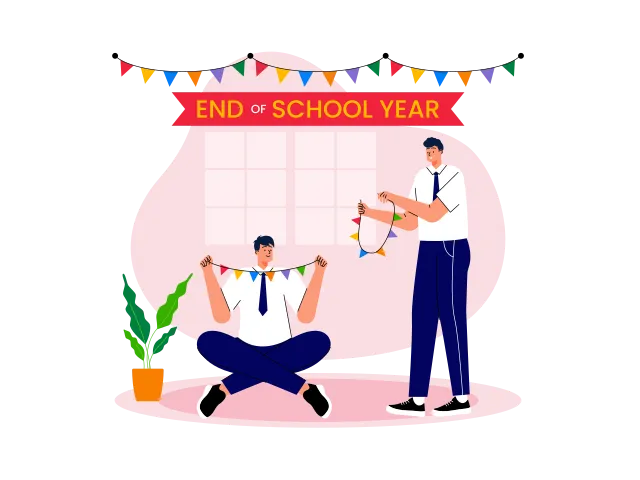 ThemeYear End50 illustrations · 6 free · animatedBrowse the theme →
If you already used these scenes in December, pick a different one for January so the two campaigns don't look the same. Our Christmas, winter and year-end guide covers the December side.
Fitness and health goals
Getting fit is one of the most common New Year resolutions, so fitness and wellness products get extra attention in January. Ideas:
- A "new year, new routine" email with one workout scene at the top and a clear first step below it.
- Onboarding screens in a fitness or habit app: one illustration per step (set a goal, pick a time, get reminders).
- An empty state for "no workouts yet" that feels encouraging instead of blank.
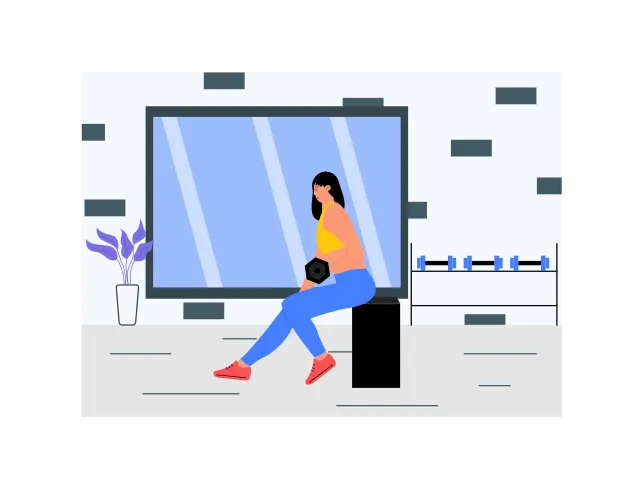
Keep the tone kind. January goals are fragile, and an illustration of someone enjoying the effort works better than one that looks like hard work.
New hobbies and slowing down
Not every resolution is about doing more. Many people want to read, take photos, spend time outdoors or simply rest. Calm scenes fit journaling apps, learning platforms, travel brands and newsletters about wellbeing.
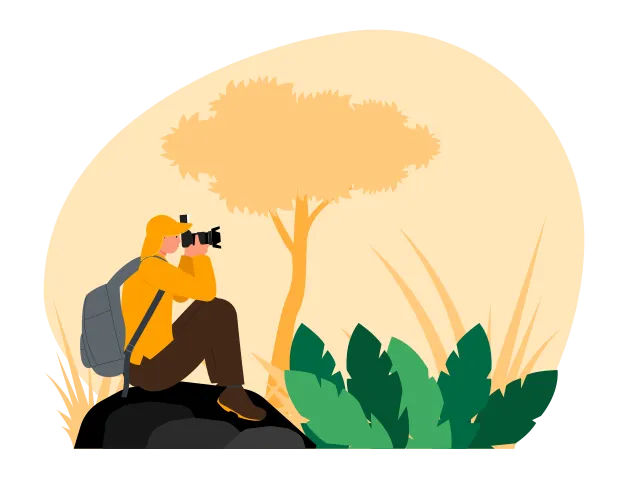
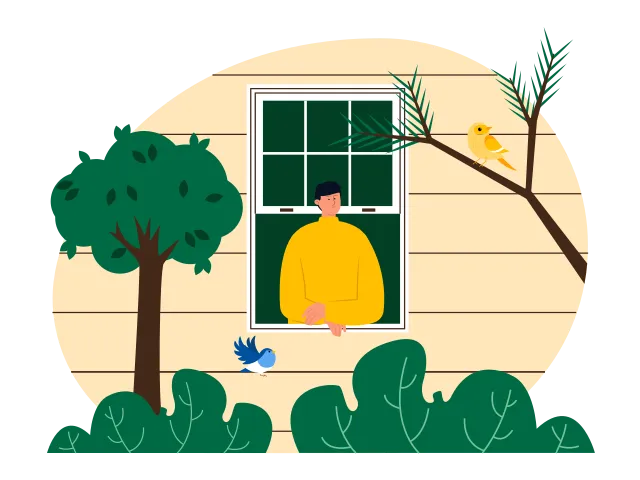

Use them for a "this year, try something new" post, a reading challenge, or a gentle reminder email in the second week of January, when motivation often starts to dip.
Side projects and learning new skills
January is also when people sign up for courses, start building an app or redesign their website. If you run a learning platform, a developer tool or a design product, show people making things.
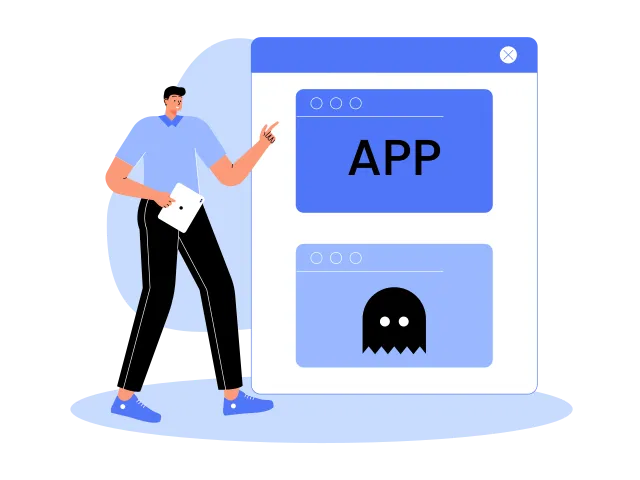
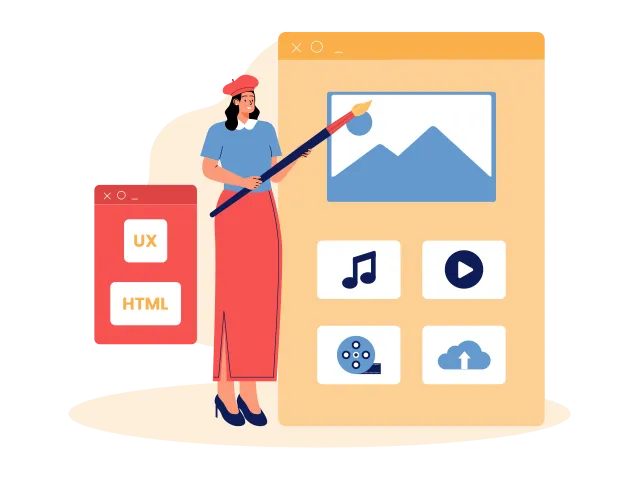

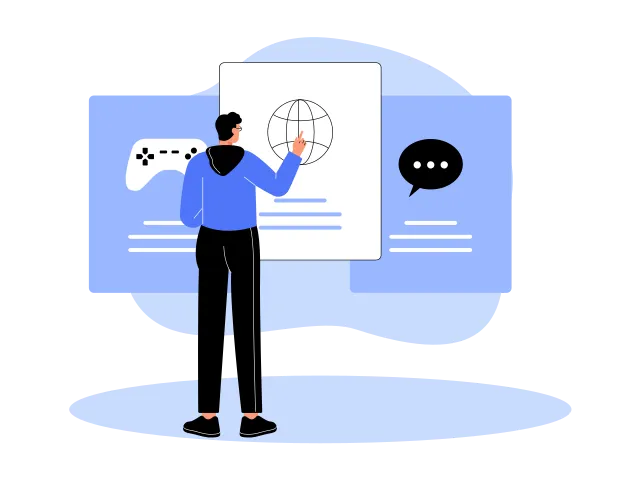
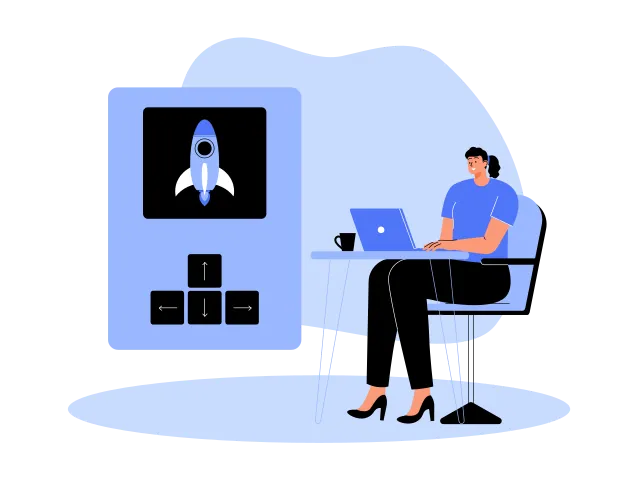 ThemeApp and Game Development50 illustrations · 6 free · animatedBrowse the theme →
These work well on a landing page for a January course, in a "start your first project" onboarding flow, or as headers for a series of tutorial posts.
Winter scenes that last all month
January is still winter in much of the world. Snowy scenes are a safe choice for anything that needs to stay up for weeks, such as a blog header, an app banner or a product page, because they don't expire on a date.



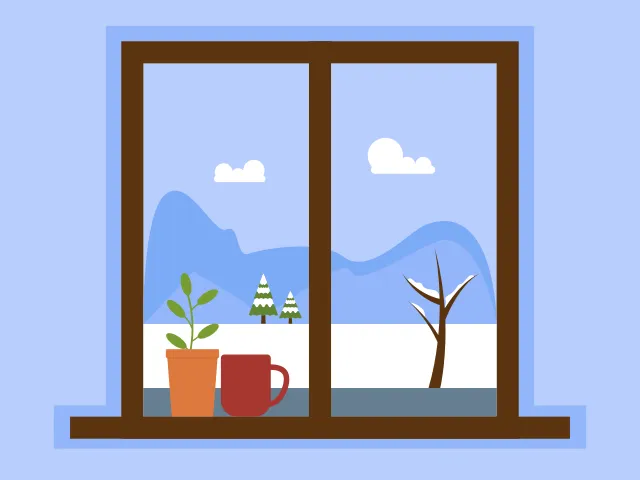
 ThemeWinter54 illustrations · 6 free · animatedBrowse the theme →
Tips for a January campaign
- One theme, one look. Illustrations from the same theme share one style, so your email, banner and posts look like one campaign.
- Add motion where people look first. A growing set of scenes is animated. An animated SVG in a landing page hero, or a Lottie on an app's home screen, draws the eye. For email, use a PNG. Not sure which format to pick? See SVG, animated SVG or Lottie?.
- Match your brand colours. The SVG files use flat fills, so you can recolour a scene in Figma or Illustrator in a few minutes.
- Check the license. Ads, product screens and client work need a commercial license: a credit, a theme pack or Full Access.
Frequently asked questions
When should I prepare a New Year campaign?
Four to six weeks before the first of January is a good target. That means designing in mid to late November, before December sales and holidays take over your calendar.
Can I use these illustrations in January ads?
Yes, with a commercial license. Unlock the illustration with a credit, buy the theme pack, or use Full Access. Free illustrations are for personal, non-commercial projects only, with a credit line.
Are these New Year and winter scenes animated?
Some are, and new animations are added every week. Look for the Animated label on an illustration, or turn on the Animated filter to see only animated scenes.
Can I change the colours to match my brand?
Yes. Open the SVG in Figma, Illustrator, Affinity or Inkscape and recolour any shape. Paid downloads include the editable SVG.